Why the clock change is worth a check
When the clocks go back, many people arrive home in the dark. Police and Neighbourhood Watch advice for this time of year, such as the guidance Northamptonshire Police and Neighbourhood Watch shared through a parish council, focuses on practical habits: timers on lights, well-lit front doors, locked doors and closed windows, closed curtains, and tools and ladders locked away.
None of this is a reason to worry. It is a reason to do a quick check while it is easy.
A 10-minute check for your home or business
| What to check | What to do | If something looks wrong |
|---|---|---|
| Alarm and keypad | Set and unset the system and run the test routine in your user guide | Note any fault message and tell your installer |
| Door and window sensors | Walk round and make sure doors and windows close fully | Report anything that will not set |
| Motion detectors | Check nothing new, such as furniture, plants or boxes, blocks the view | Move the item or ask your installer |
| Outside lights | Switch on and check each one, including any sensor lights | Replace the bulb or call an electrician |
| Light timers | Reset them to the new time after the clocks change | Reset to match the new evening |
| Camera or doorbell view | Check the picture at dusk and that lenses are clean | Ask your installer if the picture is poor |
| Router and power | Check the router and any camera power supplies are on | Do not unplug or move anything you are unsure about |
Alarm and keypad checks
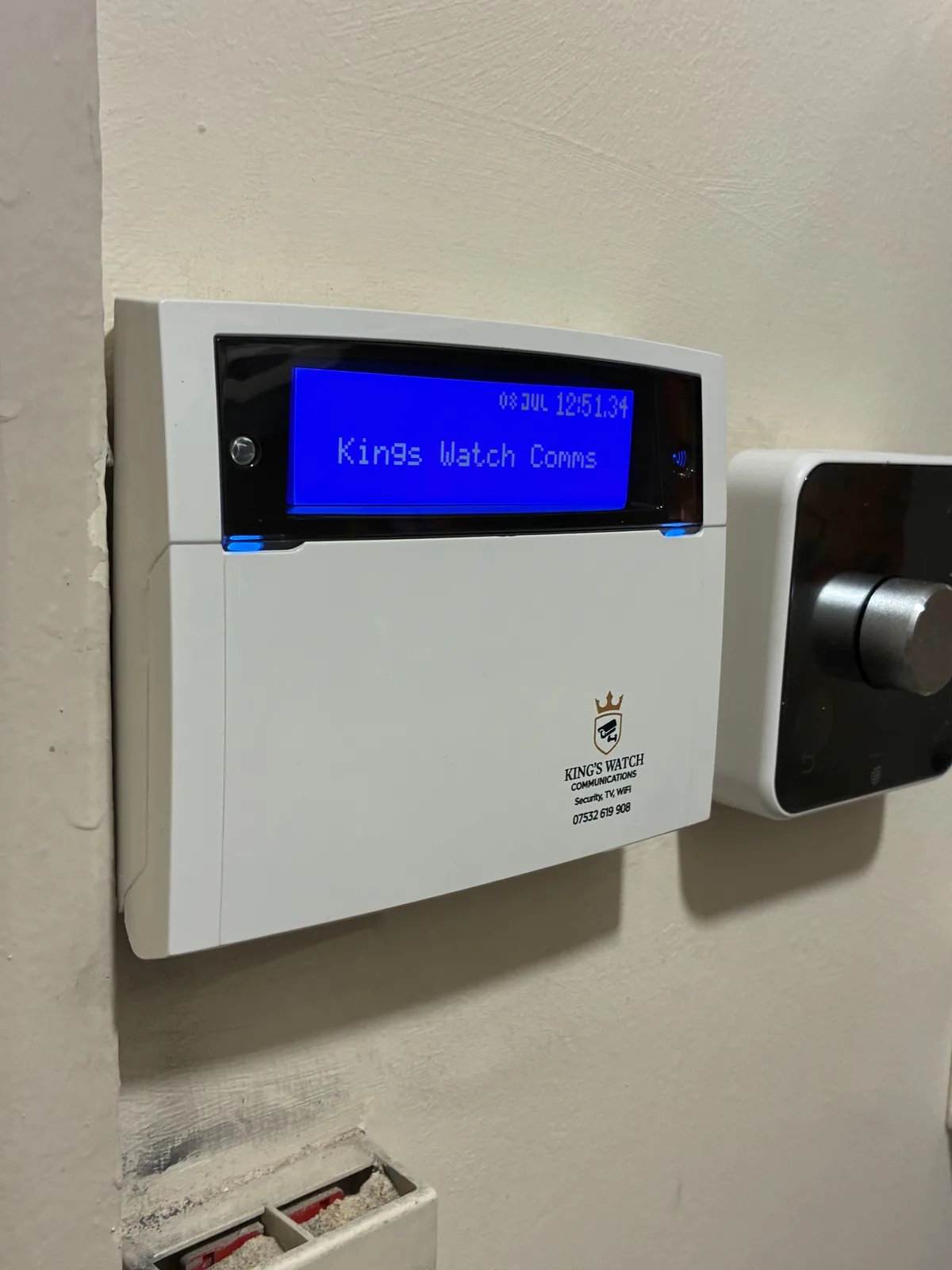
Follow the test routine in your user guide. If your system is connected to a monitoring service, let them know before a full test so they are not caught out.
If the keypad shows a fault message, or the panel beeps, write down what it says and when. That helps your installer find the cause quickly.
Contact the device supplier or installer. Give them the make and model if you know it, but do not open the panel or alter wiring yourself.
Lights and timers
Timers do not know the clocks have changed, so a lamp that used to come on at six may come on an hour late. Reset them on Sunday so lights come on when it gets dark.
Check outside lights too. The front door should be well lit and visible from the street, and any sensor lights should switch on when you walk past.
Cameras, doorbells and the time stamp
If you have CCTV or a video doorbell, look at the view at dusk. Check the lens is clean and that the picture is clear in low light.
Some recorders adjust to the clock change by themselves and some do not. Check the time stamp the week the clocks change, because accurate times matter if you ever need to find a particular moment in the footage. Your user guide will explain how to change it, or ask your installer. You can read more about CCTV systems and video doorbells on our services pages.
Power cuts and broadband
Autumn storms and power cuts can affect more than the lights. A battery inside an alarm panel does not automatically keep the router or digital phone service running.
If your alarm or care device uses your phone line, our guide to the digital landline switchover explains what to check.
If you run a business
Shops, offices and workshops often close later than the working day used to feel, and staff may lock up in the dark. The same checks apply, with a few additions:
- Check the lighting at the entrance, the car park and the rear door where staff leave.
- Make sure whoever sets the alarm at closing knows the routine and the keypad messages.
- Look at your camera views at dusk, as well as in daylight.
- Check the router and recorder are on a power supply you know is working.
Our business security review covers the wider picture for premises if you want to look beyond a quick check.
A note on what each check cannot tell you
A quick check shows that things are switched on and working as you expect. It does not replace a service by an installer, who can look at the equipment itself. If your system is older, has had parts replaced or was installed by another company, a site assessment is the way to confirm what you have and what it needs.
Everyday habits that help
- Lock doors and close windows when you go out and at night.
- Keep ladders, tools and garden furniture secured away from windows.
- Close curtains as it gets dark.
- Keep keys and valuables out of reach of the letterbox.
When to call an installer
Call someone if the alarm will not set, the keypad shows a fault that does not clear, a sensor keeps triggering for no clear reason or a camera has no picture. Do not open the panel or alter wiring yourself.
We install and look after intruder alarms for homes and businesses in the RM, SS and CM postcode areas. We also offer repairs, maintenance and, where practical and subject to assessment, takeovers of existing systems. Free local on-site surveys are available, and options are confirmed after a site assessment.
Call 07532 619 908 or request a quote at kingswatchcomms.co.uk/contact
Frequently asked questions
- Does my alarm change the time by itself when the clocks go back?
- It depends on the system. Some adjust automatically and some do not, so check your user guide or ask your installer.
- My alarm is beeping after the clocks changed. What should I do?
- Read the message on the keypad and note it down. Then contact your installer. Do not open the panel or alter wiring yourself.
- Can Kings Watch look at an alarm another company installed?
- Yes. Repairs, maintenance and takeovers of existing systems are offered where practical, subject to a site assessment.
- Is there a charge for a survey?
- Local on-site surveys are free. A written quotation follows the site assessment, and the final hardware and timings are confirmed after it.
- How quickly will I get a reply?
- Kings Watch aims to respond to enquiries within 24 hours. That is an aim and not a guarantee.