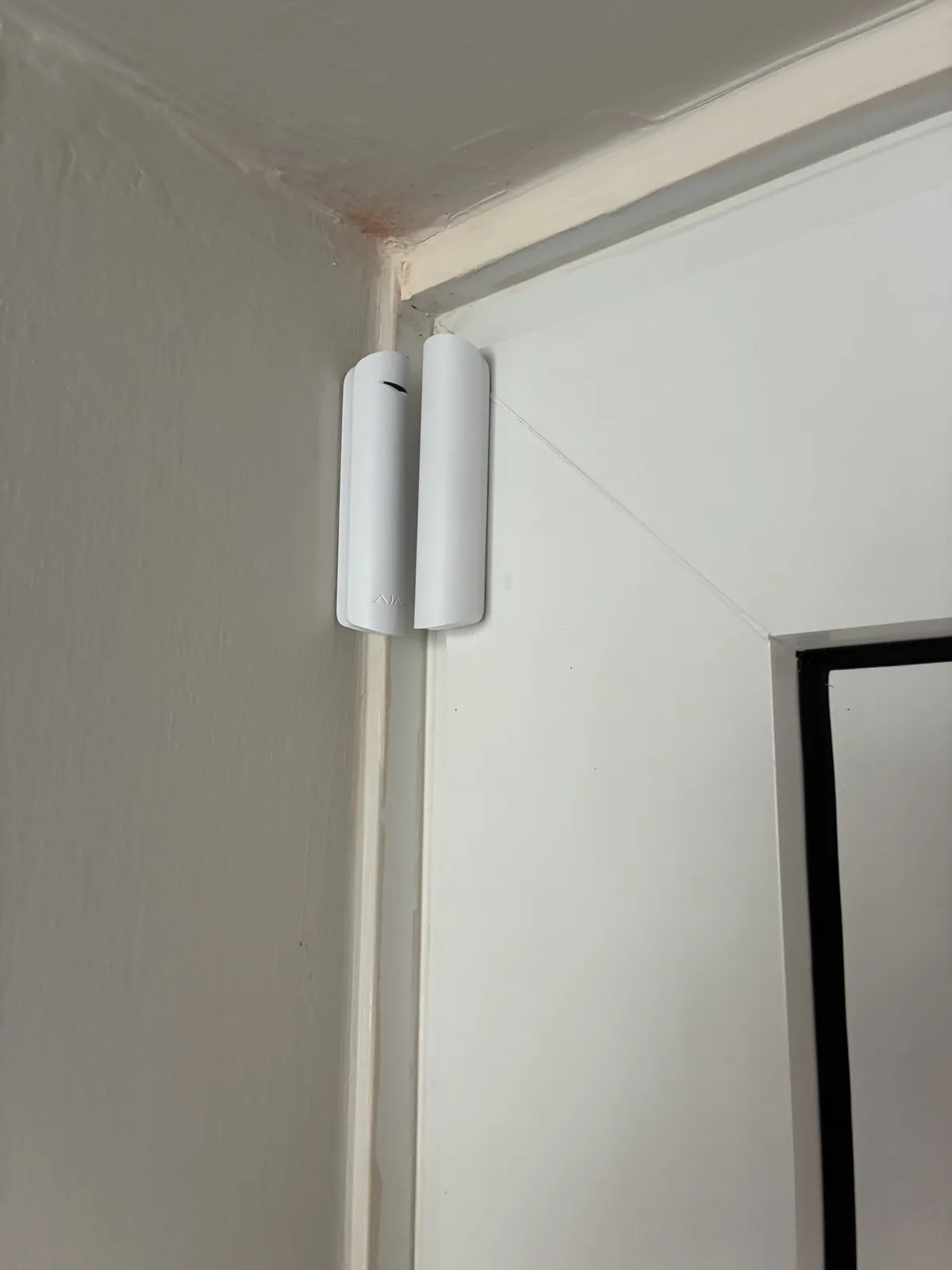
What is the difference between wired and wireless?
A wired system connects its sensors, keypad and sounder with cable. A wireless system links them by radio, with each device running on its own battery. A hybrid mixes the two, for example wireless door and motion sensors with a wired external sounder.
| Wired | Wireless | |
|---|---|---|
| Installation | Devices are hardwired, which takes professional installation and cable routes | Devices are fitted without running cable between them |
| Disruption | More, especially in a finished, decorated home | Less |
| Batteries | Fewer batteries to look after | Each device needs its battery checked and replaced |
| Adding devices later | Can mean new cable runs | Usually simpler |
| Best fit | New builds and renovations where walls and floors are open | Occupied homes, extensions and flats |
These points come from the SimpliSafe comparison and a DIYNot installer thread listed under Sources. Both are general comparisons, not a verdict on any one product, which is why the survey matters.
When does a wired alarm make sense?
If walls are open or floors are up, running cable costs you little extra effort. One thread from an installer community argues a cabled system suits a new build because it needs one power source, fewer batteries to manage and less radio interference. The catch it raises is practical: access before completion is not always possible, and routes can be hard to find later, so cable routes should be documented.
When does a wireless alarm make sense?
Most lived-in homes. Fitting devices without chasing cable through finished walls means less mess. It is also easier to extend if you later add a conservatory, a garage or a new door. The trade-off is battery care: each device needs checking and eventually replacing.
What about power cuts and broadband?
Check this before you decide, whichever type you choose.
A battery inside an alarm panel does not automatically keep the router or digital phone service running.
If your alarm sends alerts over your broadband or a digital phone line, a power cut can affect that part even while the panel keeps working. Our guide to the digital landline switchover and your alarm explains the safe checks you can do. Detailed monitoring and alert features depend on the selected system and are confirmed before quotation.
Is a hybrid system a good idea?
It can be. A common set-up uses wireless sensors in the main rooms with a wired sounder powered from a spare supply, so there is one fewer battery to change. Whether that is sensible for your house depends on where cable can go, which is a job for a site assessment.
How do I choose?
Ask yourself these four questions:
- Is the property finished and decorated, or is building work still going on?
- How easy would it be to run cable to each door and room?
- Are you likely to extend or add devices in the next few years?
- Who will look after batteries, and how will you know when one is low?
What about flats and rented homes?
In a flat or rented home, the choice is often decided for you. Drilling and chasing cable may not be allowed, and you may want a system that can move with you. Wireless devices are easier to remove and refit elsewhere. If you rent, speak to your landlord or managing agent before anything is installed, because they may have their own rules.
Which doors and rooms matter most?
Think about how someone would actually get in. Most people start with the front and back doors, then the ground floor windows that are easy to reach, then any garage or outbuilding with a connecting door. A good alarm layout follows how your property is used, not a fixed list of devices. That is another reason a person on site beats a generic checklist.
What should I ask any installer?
- How will the alarm be powered, and what happens in a power cut?
- How does it send alerts, and does that depend on my broadband or phone line?
- Which parts are wired and which are wireless, and why?
- Who looks after the system after it is fitted, and what does aftercare cover?
- Is the final specification confirmed in writing before work starts?
We offer aftercare packages, and the specification and installation timings are confirmed after the assessment. There are no monthly fees on systems supplied by Kings Watch, which does not cover separate third-party services you might choose to add.
What happens at a survey?
We offer free local on-site surveys. We look at the building, the entry points and how it is used, then give you a written quotation. Options and the final specification are confirmed after the site assessment. As an authorised Ajax installer we also work with systems from Texecom and Orisec, so the recommendation follows your property, not a single product.
Read more about intruder alarm installation, or browse our area guides for the towns we cover across the RM, SS and CM postcode areas.
Call 07532 619 908 or request a quote at kingswatchcomms.co.uk/contact
Frequently asked questions
- Is a wired or wireless alarm better?
- Neither is better for every property. Wired often suits new builds and renovations where cable is easy to run. Wireless often suits lived-in homes where disruption matters. A site survey settles it.
- Do wireless alarms need batteries?
- Yes, each wireless device runs on its own battery, so batteries need checking and replacing over time.
- Can I mix wired and wireless parts?
- Yes, a hybrid system can combine them, for example wireless sensors with a wired sounder. Whether it suits your home depends on the building.
- Does an alarm still work in a power cut?
- The panel's own battery does not automatically keep your router or digital phone service running, so check how your alarm sends alerts and what happens when the power or broadband drops.